RKS+ conventional controllers come with a license key chip for storing station counts. When deploying a refurbished controller, customers must transfer the original license key from old to new controller.
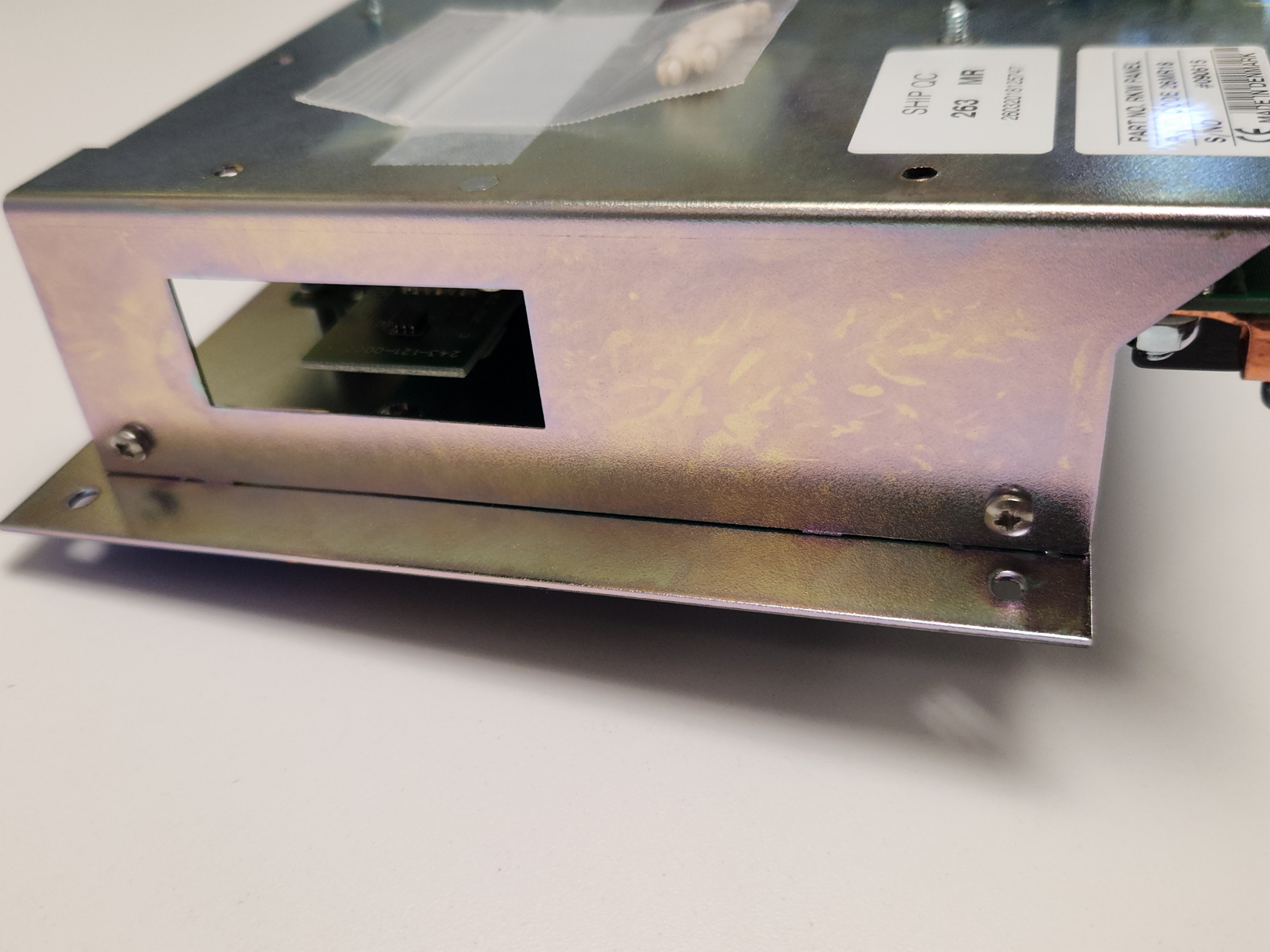
1. Remove the old license key chip by removing it from the area shown.
2. Insert the license key chip into the new RKS+ controller.
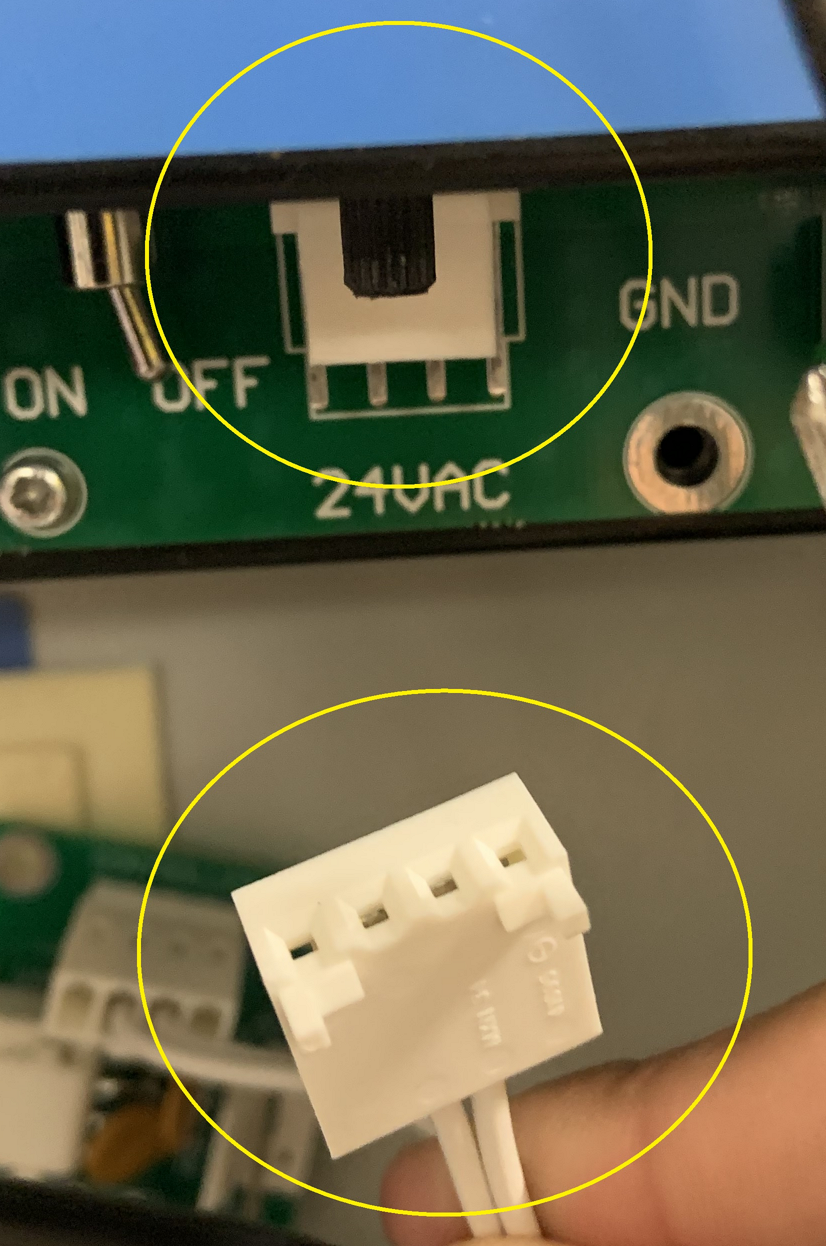
3. Power-cycle the controller for a duration of 30 seconds via ON/OFF toggle or removing 24VAC connection as shown.
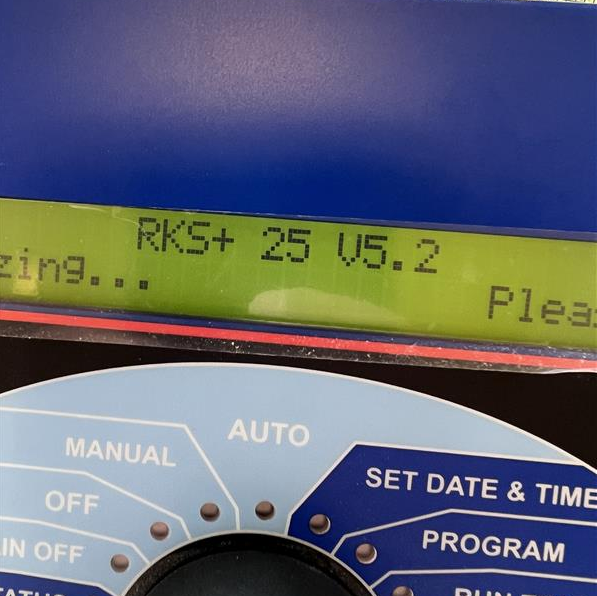
4. Power the RKS+ on. The controller will indicate RKS+ followed by the number of zones.
Was this article helpful?
That’s Great!
Thank you for your feedback
Sorry! We couldn't be helpful
Thank you for your feedback
Feedback sent
We appreciate your effort and will try to fix the article