TW series controllers come with a license key chip for storing zone count information. When deploying a refurbished controller, customers must transfer the original license key from the old to the new controller.
1. To avoid damage during the removal process, please power OFF the controller using the switch.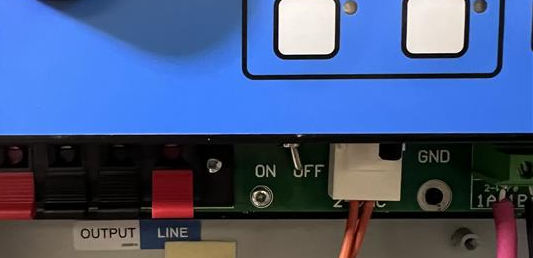
2. Disconnect the power supply of the controller.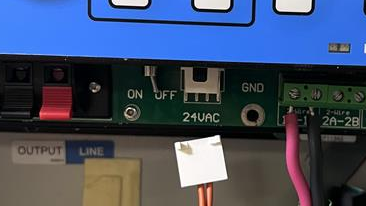
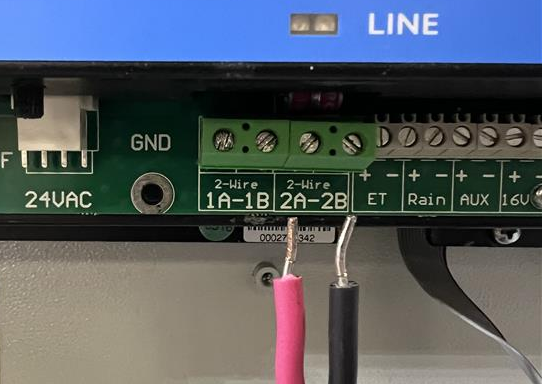
3. Disconnect the two-wire path along with any connected sensors.
4. Remove the four screws from the panel to separate it from the enclosure.
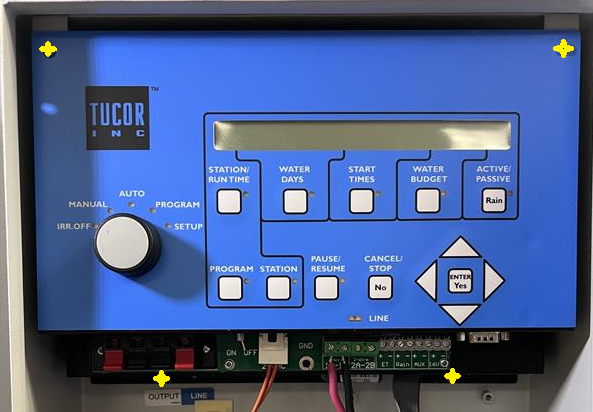
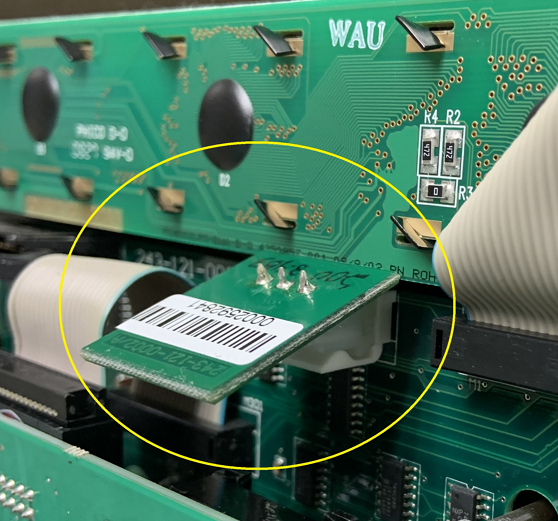
5. Remove the controller by pulling it straight out, then rotate the controller to locate the license key.
6. Swap out or replace the old license key from the highlighted area.
7. Plug the power back into the controller.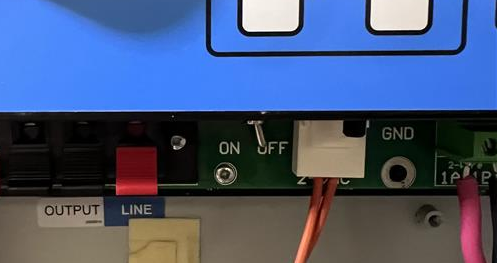
8. Power ON; the controller will now show the model along with the updated number of zones.
(The license key is now active)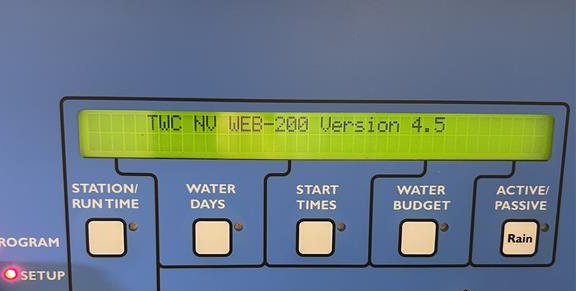
Was this article helpful?
That’s Great!
Thank you for your feedback
Sorry! We couldn't be helpful
Thank you for your feedback
Feedback sent
We appreciate your effort and will try to fix the article